Introducing Firesale: Turn stream momentum into mayhem
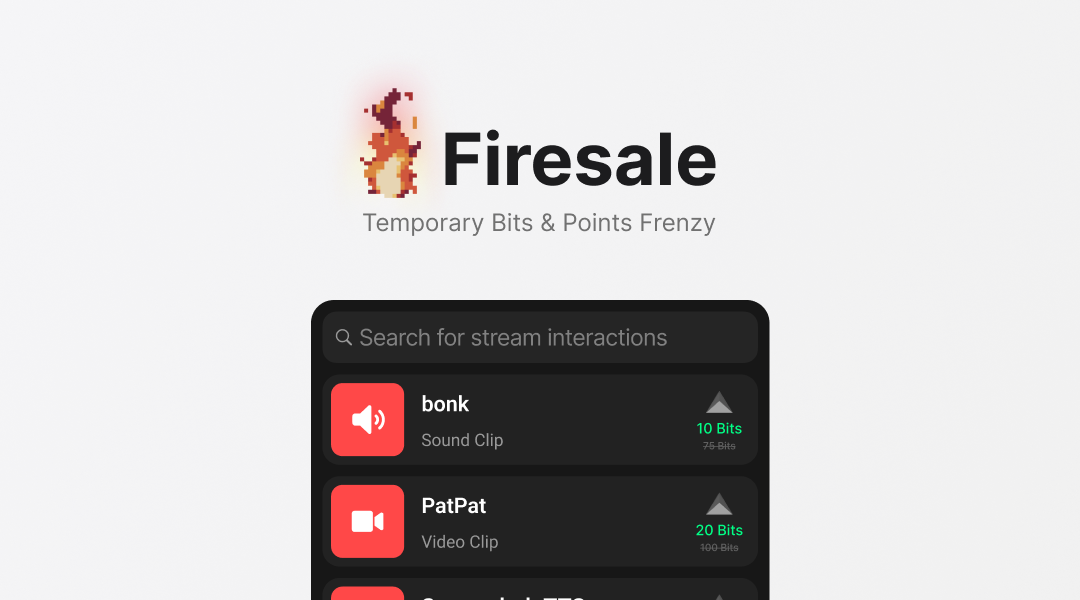
Temporarily lower the Bit amounts required in your Twitch extension and turn a big stream moment into a rush of viewer interactions.
The best Twitch moments have momentum: chat is flying, alerts are firing, and everyone wants to be part of what is happening. But even the biggest moment eventually starts to taper off.
Firesale gives it one more push. For a limited time, it discounts the Bit amounts required for your extension items so more viewers can jump in with sound alerts, TTS messages, videos, and anything else you have set up.
Everyone, run to the box
The idea came from the Fire Sale power-up in Call of Duty Zombies. Normally, using the Mystery Box requires 950 points. During a Fire Sale, it requires only 10, every player runs toward a box, and the next minute becomes complete chaos.
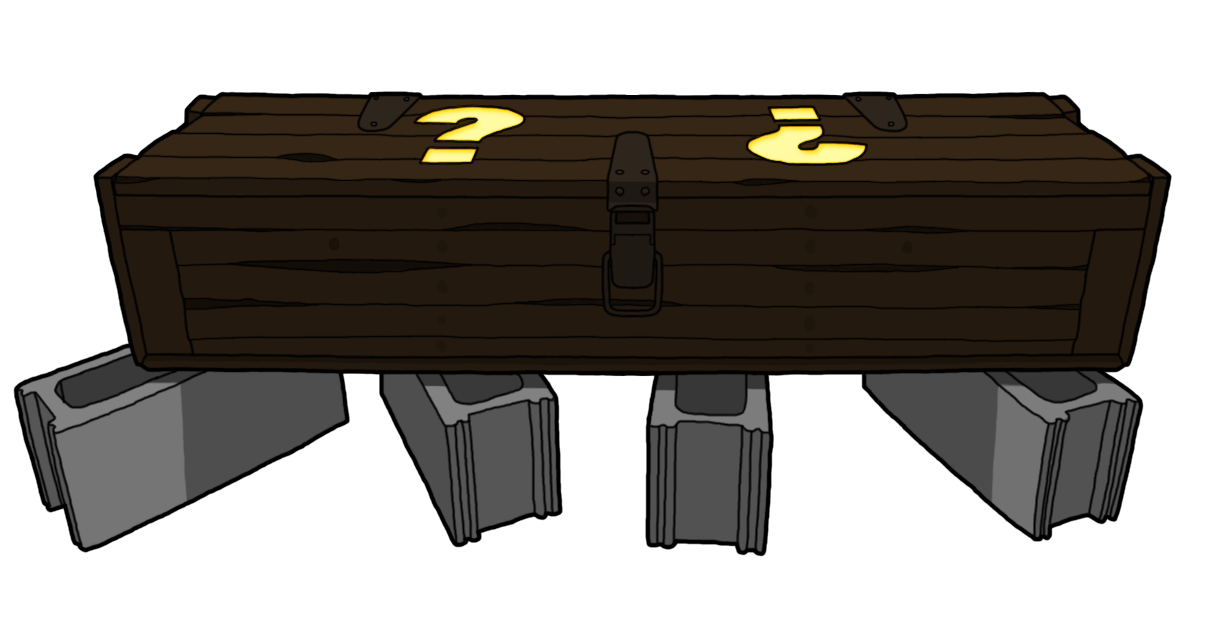
I kept thinking: what would that feel like during a Twitch stream?
Instead of running to the Mystery Box, viewers rush to use your stream interactions before the timer reaches zero. Someone with only 10 or 15 Bits can suddenly join in. A viewer who has been waiting for the right moment has a reason to act now. The lower barrier opens the moment to more of chat, while the countdown gives everyone a reason to move.
Everyone runs to the box.
How Firesale works
When you start a Firesale, every eligible item in your Twitch extension is temporarily discounted by the amount you choose. Viewers are notified that the sale is active, the extension displays a Firesale banner, and the countdown begins.
As the streamer, you control:
- The discount: Choose anywhere from 10% to 99% off.
- The duration: Run a sale for 15, 30, 60, 90, or 120 seconds—or choose 5 minutes, 30 minutes, 1 hour, or up to 12 hours.
- Which items participate: Exempt any special item that should keep its normal Bit amount.
- When it starts and stops: Trigger or end a Firesale from your extension dashboard whenever you want.
You can also create a channel point reward that starts a Firesale. That makes it possible to put the trigger in your viewers' hands while still letting you decide how expensive that trigger should be.
There is no cooldown yet because every Firesale is currently started deliberately—either by the streamer or through a channel point reward the streamer configured. As I add more automatic ways to trigger one, cooldown controls will come with them.
What to know about Bit amounts
Twitch extensions cannot use arbitrary Bit amounts. Every Bits-enabled item has to use a registered Bit tier.
That means a discount will not always land on the exact number you expect. If a 50% discount would mathematically turn a 25-Bit amount into 12.5 Bits, Firesale has to snap the discounted amount to a supported tier. The configuration screen includes a preview so you can see the actual Bit amounts before starting.
 10→5 bits*25→5 bits*
 100→25 bits250→50 bits*500→125 bits
 1000→250 bits
The important part is that viewers always see the exact Bit amount required before they activate an item. If they use an item before the timer expires, their discounted request is honored even if processing finishes after the Firesale ends.
This first version discounts items inside the Creati's Bot Twitch extension. It does not change the amounts required for your regular Twitch channel point rewards yet.
That is partly because the extension gives me control over the full interaction flow, which makes the experience much easier to test and improve. It is also because Twitch only lets an app edit channel point rewards that were originally created by that same app. Supporting channel point discounts would mean asking streamers to recreate eligible rewards through my dashboard, so I want to make sure Firesale is something people actually enjoy before building that entire system.
You can still use a channel point reward to trigger a Firesale today. The discount itself just applies to Bit items in the extension for now.
When should you use it?
Firesale works best as a momentum boost. A few situations I had in mind while building it:
- Your chat just had a huge moment and you want to keep people involved.
- You hit a subathon, charity, or community milestone.
- You clutch a win and want to turn the celebration into a rush of alerts.
- Your Minecraft integration is getting quiet and you want to lower the barrier for spawning mobs or triggering effects.
- You want to run a discounted stream where more viewers can try your interactions for the first time.
A 60-second sale can create a quick burst of chaos. A longer sale can work as a special event for an entire stream. You decide how much control to give chat—and how much mayhem you are ready for.
Getting started
For a complete walkthrough with configuration examples and troubleshooting, open the Firesale setup guide.
- Open the Extension dashboard and configure your discount and duration.
- Open any extension item you want to protect and mark it as Firesale exempt.
- Press Start Firesale when the moment is right.
- Optionally, create a channel point reward with the Firesale feature so a viewer can trigger it.
If you have not installed the extension yet, you can add Creati's Bot on Twitch first.
What comes next
This is the starter version, but there are a lot of directions I want to take it.
I would like to add optional audio cues, mod commands, hype train triggers, game integrations, and eventually discounts for channel point rewards. I also love the idea of power-up-style drops: a viewer uses a reward and has a chance to trigger something special for the whole chat.
For now, I want to see what streamers do with the core idea. My best-case scenario is simple: someone starts their first Firesale, the timer appears, and everyone goes crazy trying to use their favorite rewards before it ends.
See you at the box.
-- Isaiah