Introducing Taunts: Let chat throw things at your stream
A new channel point feature that lets viewers throw tomatoes, cream pies, rubber ducks and more right at your stream.
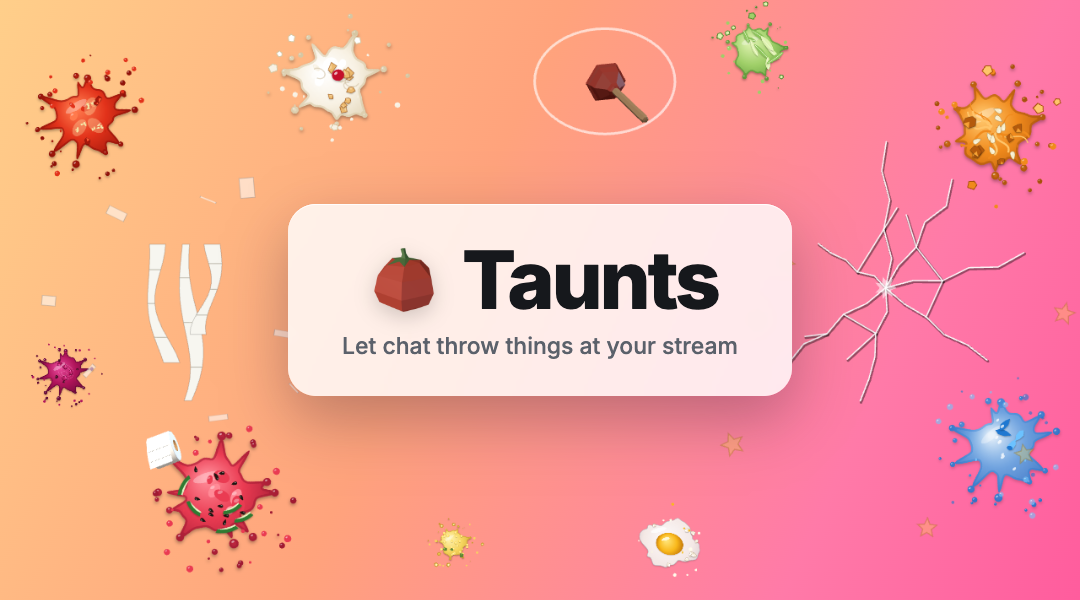
You made a bad call in game. You lost a bet. You said something questionable on stream. Chat has opinions, and now they have something to throw.
Taunts is a new channel point feature that lets viewers throw things at your stream. A tomato flies in from the bottom of the screen, smacks into the glass and leaves a splat behind. A frying pan clangs and cracks the screen. A teddy bear bumps in and bursts into hearts.
25 things to throw
There are two kinds of throwables. Splats burst on impact and leave a mess behind: tomatoes, pumpkins, watermelons, eggs, a cream pie, a water balloon and more. Props bounce off with their own reaction: the hammer and frying pan crack the screen, the boot leaves a muddy print, the plunger sticks and wobbles before popping off, and the toilet paper drapes streamers down your screen.
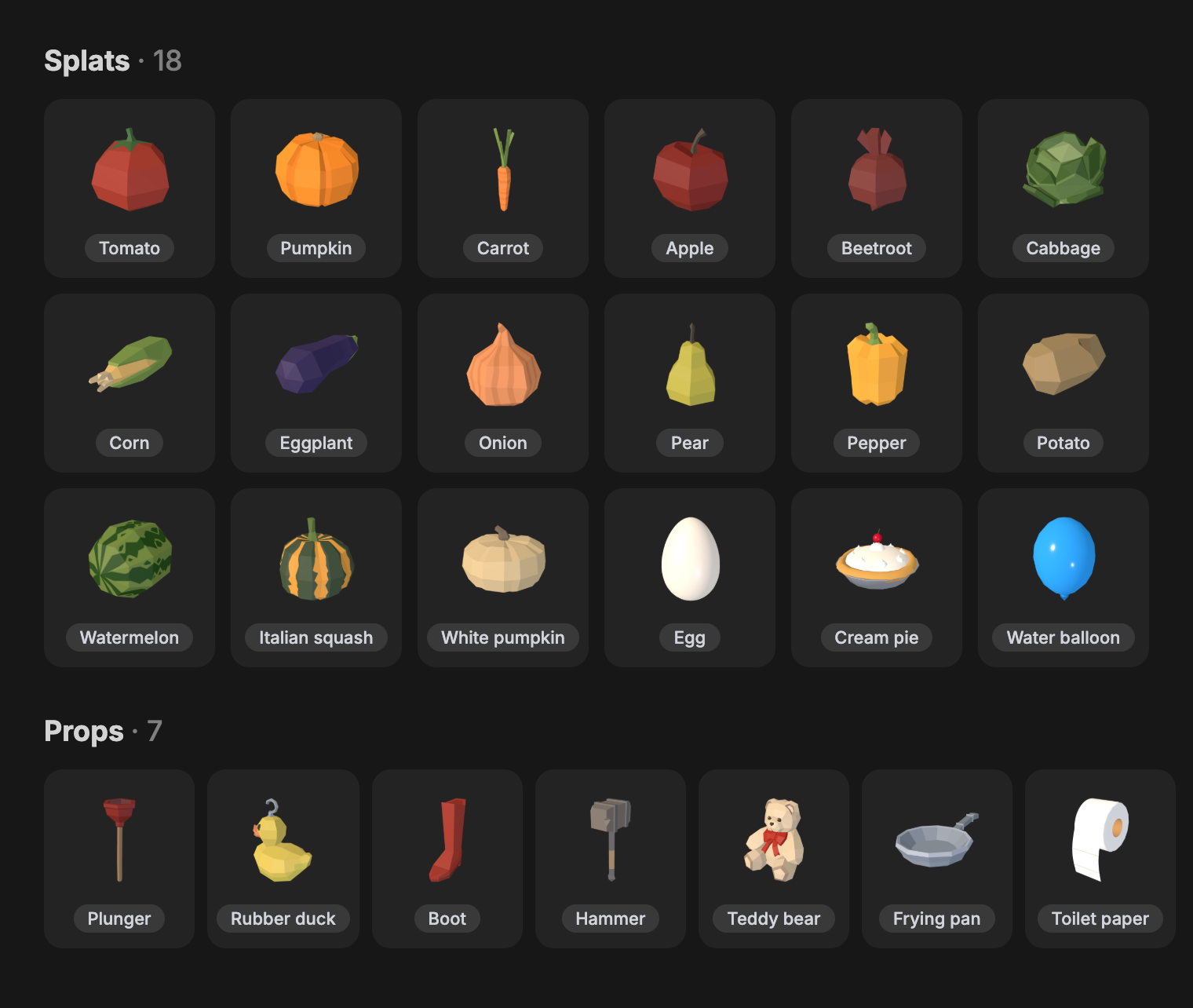
Every throw comes with a sound, and every splat is a little different. A tomato bursts into juice and seeds, a watermelon throws seeds and rind everywhere, and the egg cracks into a glossy white and a yolk.
How it works
Taunts runs in the alert browser source you already have in OBS, the same one that plays your TTS and sound alerts. There is no new source to add. Throws land on top of your scene and never hold up your other alerts.
When you set up a Taunt reward, you choose how the item is picked:
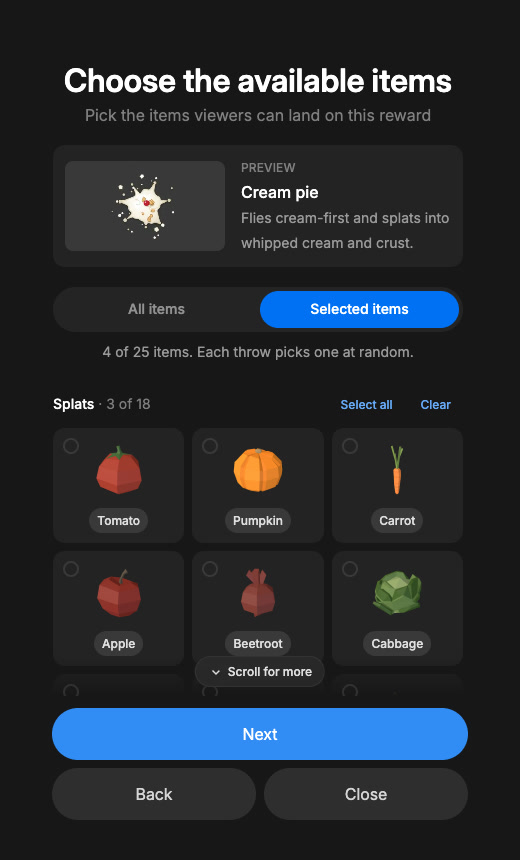
- Specific item: every redemption throws the same thing. Great for a dedicated "Throw a tomato at me" reward.
- Random item: each throw picks from a list you choose, or from every item, including ones I add later.
- Viewer types a name: viewers type what they want to throw. Typos and unknown names throw something random instead, so nobody wastes their points.
You also choose how long splats stay on screen, from 2 to 30 seconds. Props always bounce away on their own.
Getting started
- Open Channel Point Rewards and add a reward.
- Choose Taunt, pick how items are chosen, and pick your items.
- Set your splat duration, name your reward, and create it.
- Refresh your alert browser source in OBS once so it picks up the update.
That's it. The next time someone redeems it, something is coming at your face.
You can also add a Taunt to a reward you already have. If that reward was created on Twitch or by another site, Twitch only lets the app that made it change its title and description, so you will want to update those yourself on Twitch so viewers know what it does.
A few things to know
- Your alert source has to be open and visible. If your alert browser source is hidden, throws are skipped instead of piling up for later.
- Chat can't flood your screen. Up to three things can be in the air at once, and extras during a spam wave are skipped. If the reward uses Twitch's request queue, those redemptions stay there so you or your mods can refund them.
- Where it lands is random. Every throw hits a different spot on your screen.
What comes next
This is the starter set, and there is plenty more I want to add, including letting viewers aim through the Twitch extension. If there is something you want chat to be able to throw at you, tell me in the Discord.
I can't wait to see the first stream where chat decides it's time and the whole screen ends up covered in tomatoes.
Duck.
-- Isaiah